A dual-language campus, a school in Mexico or Ecuador, a French immersion program. Education Walkthrough is used in classrooms where the instruction, the feedback, or both happen in a language other than English. Two things decide what a teacher sees: the language of the interface, which is a setting, and the language of the template, which is whatever you write.
The interface: English or Spanish
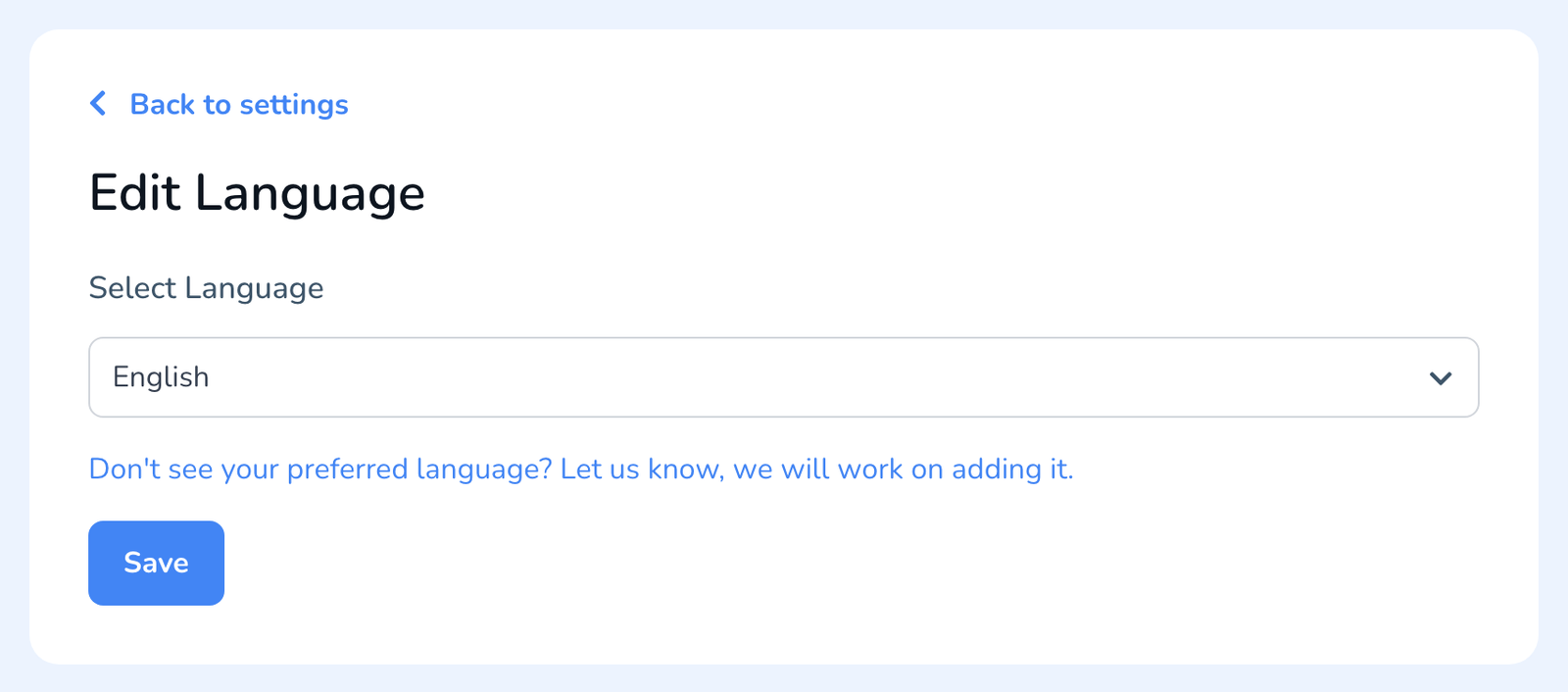
Menus, buttons, settings, and system messages come in English and Spanish. Each person picks their own under Settings, Language, and the choice follows them from the web dashboard to the mobile app, see How to Change Your Language Settings. The same panel has a line to tell us which language you would like next; we track those requests.
The template: any language you type
Templates are text you write, so a template can be entirely in Spanish, French, German, Portuguese, or any other language. Build it as usual, see How to Build a Walkthrough Template, with the name, description, sections, questions, and answer options in the language your observers and teachers use. Comments typed during a walkthrough print exactly as written, and the general comment reaches the teacher in whatever language the observer wrote it.
- Start from a copy. Duplicate your English template and translate the copy, so both versions share the same structure and the same analytics, see How to Duplicate a Template.
- Write the teacher email in the same language. Your email template is yours to edit, see How to Change Your Walkthrough Email Template. If your account language is Spanish, the Spanish version of your email template is used.
- Name the template clearly, for example Recorrido de aula or Visite de classe, so observers pick the right one from the list.
What is in which language
- Dashboard and app: English or Spanish, per your setting.
- Template content, comments, and answers: exactly as written, in any language.
- Teacher email: your email template in your account language, English or Spanish, with your general comment as written.
- The walkthrough PDF: questions and answers print as written in the template; the PDF’s own labels are in English today. Making the PDF follow the account language is on our list.
- Product emails such as invitations and reminders: English, or Spanish for accounts set to Spanish.
Frequently asked questions
Q: Can I run the app in French or German?
A: Not yet. The interface is English and Spanish. Your templates, comments, and teacher emails can be in French or German today, and you can tell us from the Language panel which interface language you need.
Q: Can one observer switch between an English and a Spanish template?
A: Yes. Both templates sit in the same list. Pick the one that fits the classroom when you start the walkthrough.
Q: Will reports mix languages?
A: A report keeps the language it was created in. If the template is in Spanish and the observer writes in Spanish, the teacher’s PDF content is in Spanish; only the PDF’s fixed labels are English for now.
Q: Our district is outside the United States. Does anything else change?
A: Dates and times follow your account’s timezone setting. Pricing and billing are in US dollars. Everything else works the same; submit a support ticket if you hit something that does not.