A locked report, an upgrade prompt on the Templates page, a colleague who can see something you cannot. The first question is always the same: what plan am I actually on? Three places answer it.
Your own plan: Settings
Open Settings. The first line under User Settings is Plan Type: Basic, Free Trial, Individual Premium, School Premium, District Premium, or Region Premium. That is your plan, today.
Everyone’s plan: the Users page
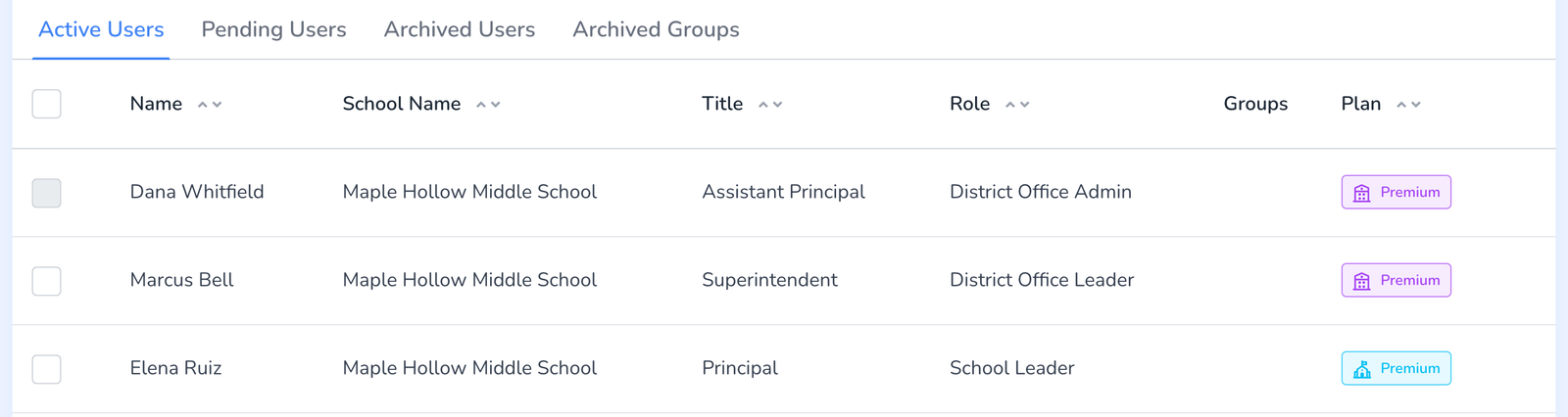
Admins see the Plan column on the Users page. A Premium badge means the person holds a license. Basic means they do not. The line above the table shows how many licenses are still available to assign.
Dates and receipts: Billing
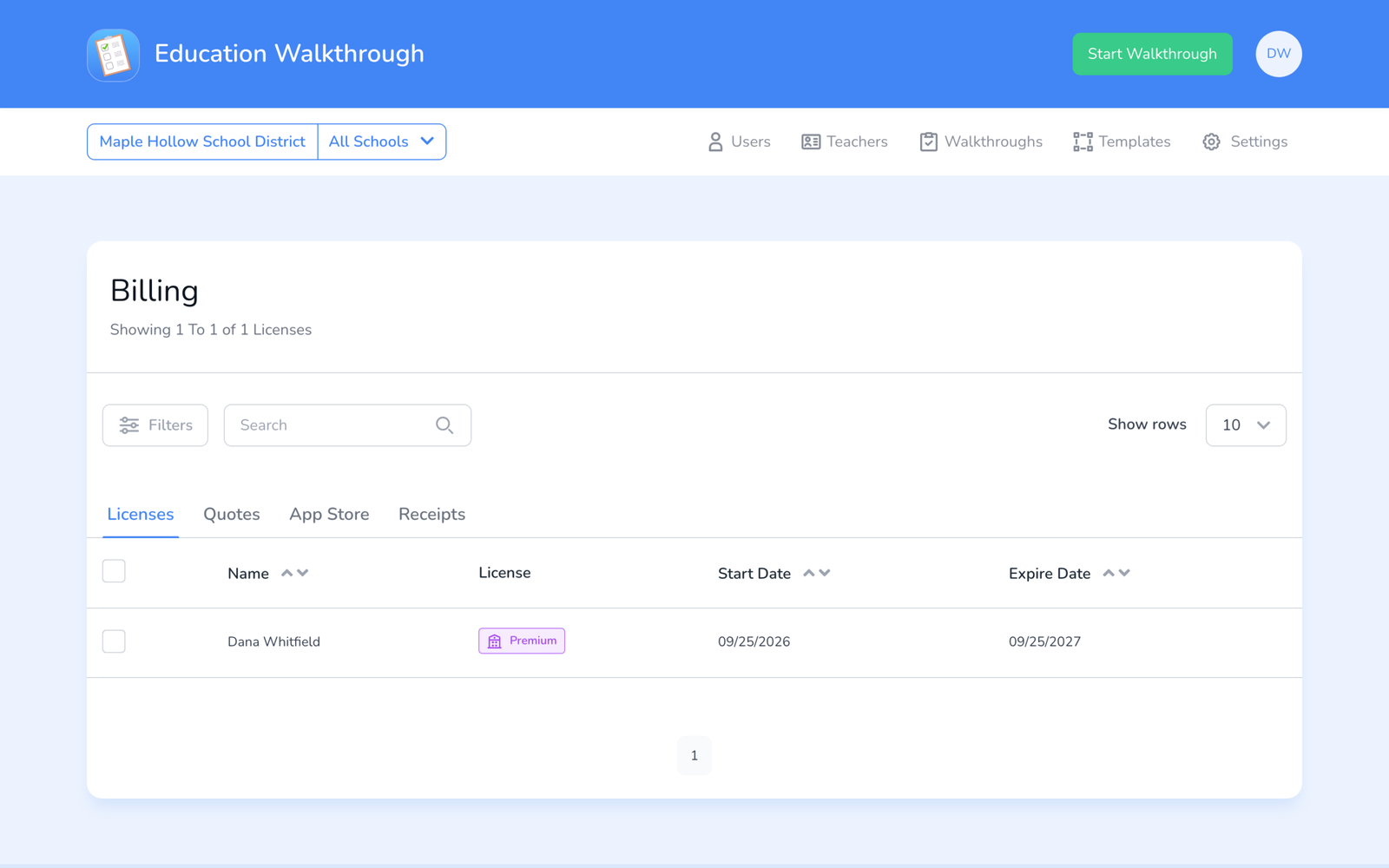
Click your initials and choose Billing. The Licenses tab lists every license with its start and expiry dates, so you can see not just whether someone is Premium but for how long, see Managing Your Licenses and Premium Subscription.
Frequently asked questions
Q: Settings says Premium but a feature is locked.
A: Premium is the plan; the role decides the features. A School Leader does not see district reports, for example. Check your role on the Users page, see User Roles.
Q: I paid in the App Store and the app says Basic.
A: See I Paid for Premium on My Device.
Q: It says Free Trial. How long do I have?
A: The dashboard shows the day you are on. Trials run 14 days, see What Is the Free Trial, and What Is Basic?.
Q: I am Basic and want Premium.
A: Ask your School or District Admin to assign you a license, or if you are the buyer, see How to Upgrade Your Account.