Education Walkthrough now supports Language Localization, allowing you to customize your experience by viewing the platform in your preferred language. Currently, the platform fully supports English and Spanish.
When you update your language settings, the change is applied globally to your account. This means if you update your preference on the web, it will automatically update on the mobile app, and vice versa.
Instructions
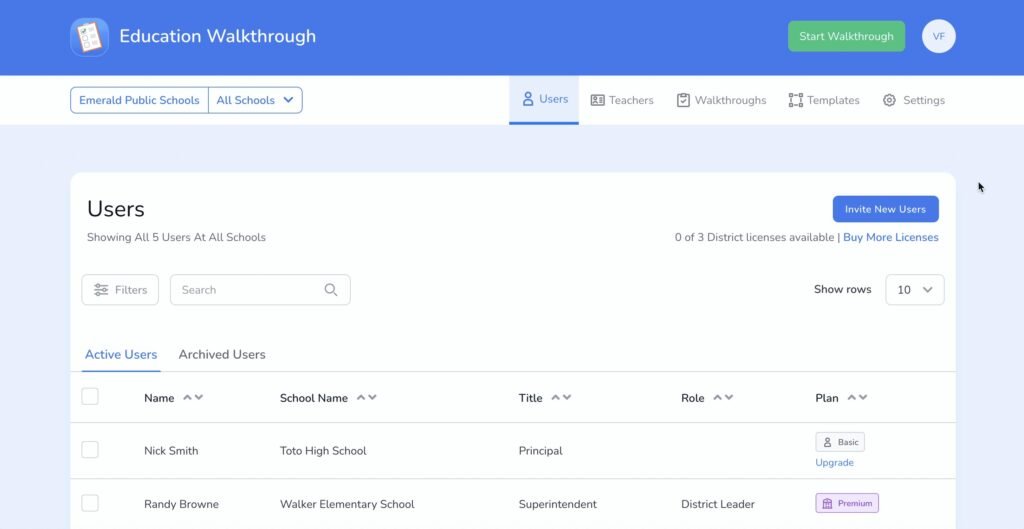
You can update your language preference by accessing your User Settings. Please follow the steps below:
- Log in to your Education Walkthrough account (Web or Mobile).
- Navigate to Settings and see User Settings
- Locate the Language section.
- Click the dropdown menu.
- Select either your preferred language.
- Your interface will immediately update to reflect your chosen language.
Requesting Additional Languages
At this time, only English and Spanish are available. However, we are committed to expanding our accessibility.
- If your school or district requires a specific language not currently listed, please contact our support team to submit a formal request. We track these requests to prioritize future updates.
Frequently Asked Questions (FAQs)
Which languages are currently supported by Education Walkthrough?
Currently, Education Walkthrough fully supports English and Spanish.
Where can I find the language settings to make a change?
You can change your language preference within your User Settings section after logging into your Education Walkthrough account (on either the web or mobile app).
If I change my language on the web, does it also change on the mobile app?
Yes. When you update your language settings, the change is applied globally to your account. The change you make on the web will automatically update on the mobile app, and vice versa.
How quickly does the language update after I select a new one?
Your interface will immediately update to reflect your chosen language as soon as you select it from the dropdown menu in your User Settings.
What if I need a language that isn’t English or Spanish?
Education Walkthrough is committed to expanding accessibility. If your school or district requires a specific language not currently listed, please contact our support team to submit a formal request. These requests are tracked to prioritize future language updates.
لمزيد من المساعدة أو الدعم الإضافي، يُرجى زيارة صفحة الدعم الخاصة بنا.